
CE Analyzer
Designed to calculate the values of critical deformation energy
About the Project
⚓︎Introduction
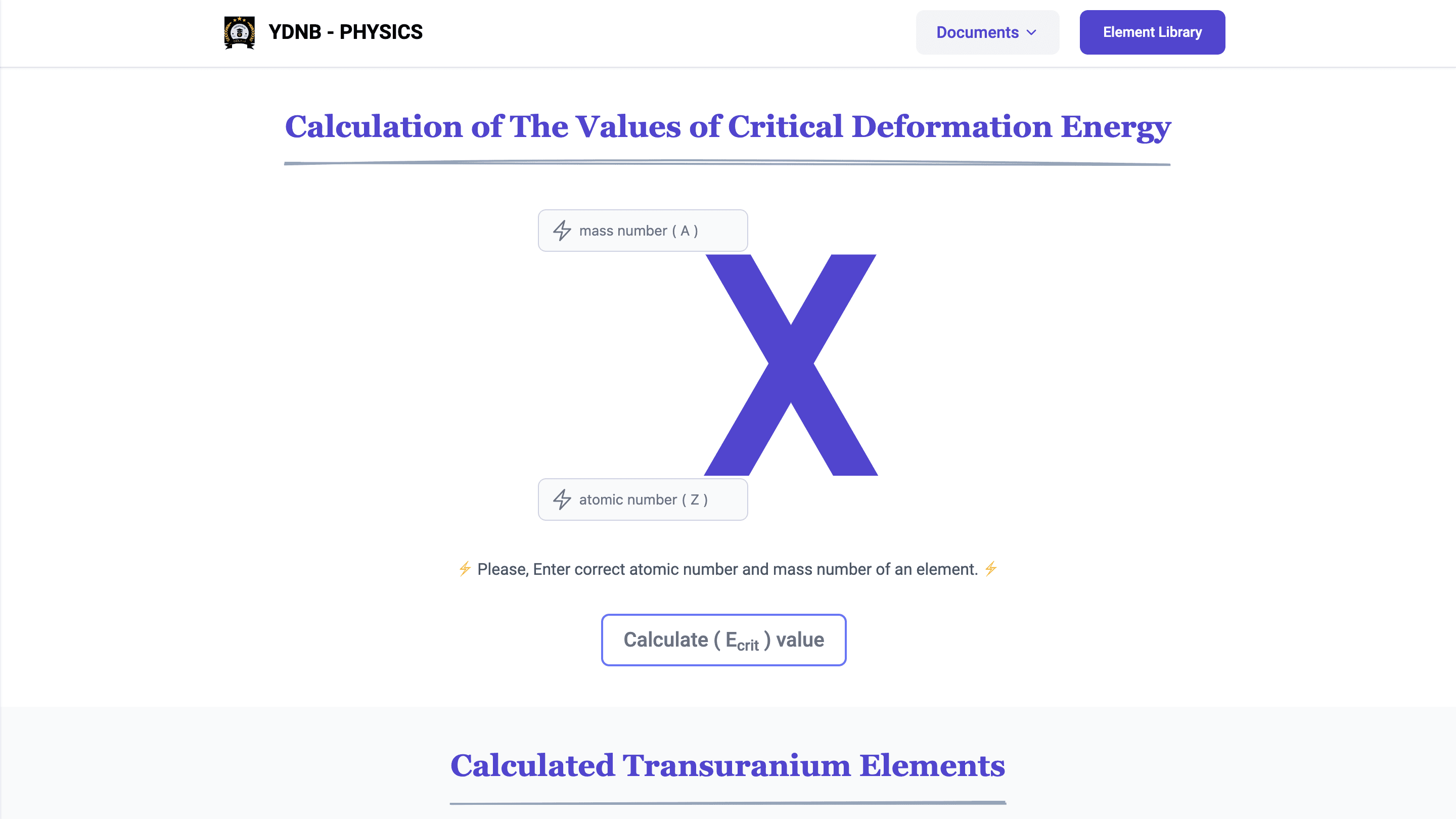
This project integrates modern web development using React and Tailwind CSS with computational programming in Fortran. It provides tools for scientific calculations, educational resources, and a user-friendly interface for researchers and students.
⚓︎Technology Stack
- React: JavaScript library for building interactive user interfaces.
- Tailwind CSS: Utility-first CSS framework for efficient styling.
- Fortran: High-performance language for scientific and numerical computations.
- Markdown: For creating clear and structured documentation.
⚓︎Project Objectives
- Develop an accessible, accurate tool for scientific calculations related to nuclear physics.
- Bridge the gap between theoretical knowledge and practical applications through interactive tools.
- Promote the use of Fortran in educational contexts by providing tutorials and examples.
- Create a visually appealing and user-friendly interface with modern web development techniques.
⚓︎Key Features
-
React Application:
- Intuitive interface for data input and result visualization.
- Export functionality for results.
-
CLI Tool (Developed in Fortran):
- Performs critical deformation energy calculations.
- Provides structured and accurate outputs.
-
Educational Resources:
- Step-by-step Fortran tutorials from basic to advanced levels.
- Comprehensive references for intrinsic functions, constants, and metric prefixes.
-
Cross-Platform Accessibility:
- React app is responsive across devices.
- CLI tool compatible with multiple operating systems.
-
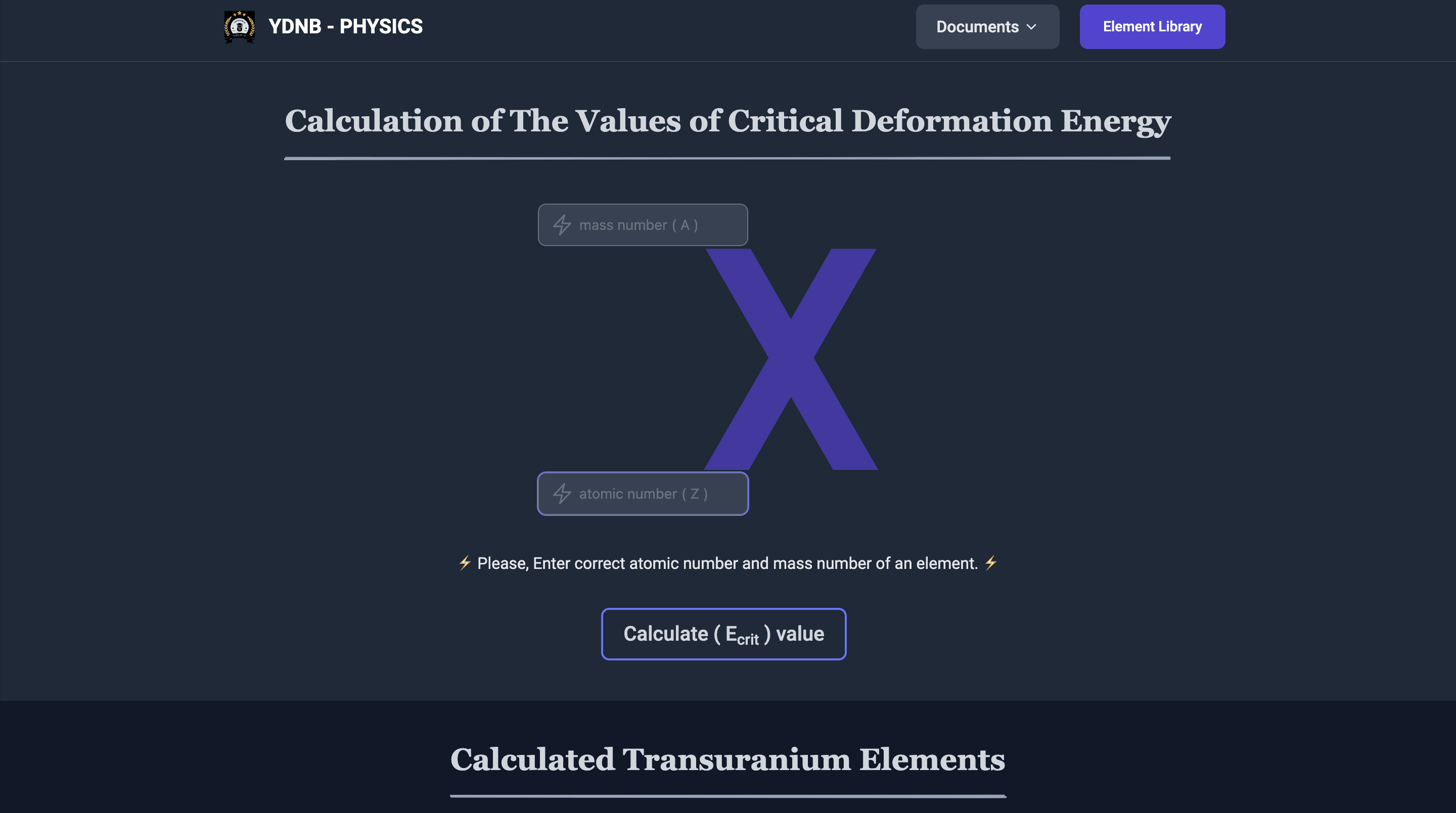
Theme Support:
- Dark and light theme compatibility for the web application.
- Users can switch themes easily through a toggle button.
⚓︎Building CLI tool with Fortran
program Critical_Deformation
    use ArrayIOController
    use CalculationController
    implicit none
    real, allocatable, dimension(:) :: inputStoreArr
    integer :: i, numberAmount
    character(40) :: border

    border = repeat('-',40)

    write(*,'(A)')"How many numbers will be compared?"
    read(*,*) numberAmount

    allocate(inputStoreArr(numberAmount))

    CALL takingInput(inputStoreArr, numberAmount)

    write(*, "(A)") " "
    WRITE(*, '(A, A, A)') "+", border ,"+"
    WRITE(*, '(A)') "|           Calculation Result           |"
    WRITE(*, '(A, A, A)') "+", border ,"+"
    write(*, "(A)") " "
    do i = 1, numberAmount
        write(*, '(A, I0, A, A, F0.2)') 'Binding Energy (MeV) for ', i, getOrdinalString(i),' item: ', inputStoreArr(i)
        call neutronClassification(inputStoreArr(i))
        write(*, "(A)") " "
    end do

    call compareDataFromArr(inputStoreArr, numberAmount);
    deallocate(inputStoreArr)
end program Critical_Deformation
Module Imports:
use ArrayIOController
use CalculationController- Imports two custom modules:
- ArrayIOController: Likely handles array operations and I/O (input/output) tasks.
- CalculationController: Contains subroutines or functions for performing calculations (e.g., energy calculations).
Variable Declarations:
implicit none
real, allocatable, dimension(:) :: inputStoreArr
integer :: i, numberAmount
character(40) :: border- implicit none: Disables implicit typing, ensuring all variables must be explicitly declared.
- inputStoreArr: An allocatable real array to store input numbers dynamically.
- numberAmount: Integer to store the number of values the user will input.
- i: Loop counter for iterating through the input array.
- border: A character string for formatting the output with a visual separator (40 hyphens).
Border Initialization:
! character(40) :: border
border = repeat('-', 40)- Initializes the border variable with a repeated string of 40 dashes (-).
User Prompt and Input:
write(*,'(A)')"How many numbers will be compared?"
read(*,*) numberAmount- Prompts the user to input the number of values they wish to compare.
- Reads this value into numberAmount.
Array Allocation:
! real, allocatable, dimension(:) :: inputStoreArr
allocate(inputStoreArr(numberAmount))- Dynamically allocates memory for the inputStoreArr array based on the number of values the user specified.
Input Handling:
! subroutine takingInput
CALL takingInput(inputStoreArr, numberAmount)- Calls the subroutine takingInput (from ArrayIOController) to populate the inputStoreArr with user inputs.
Result Table Header:
write(*, "(A)") " "
WRITE(*, '(A, A, A)') "+", border ,"+"
WRITE(*, '(A)') "|           Calculation Result           |"
WRITE(*, '(A, A, A)') "+", border ,"+"
write(*, "(A)") " "- Prints a formatted header for the calculation results, including a border and title text.
Loop Through Input Values:
do i = 1, numberAmount
    write(*, '(A, I0, A, A, F0.2)') 'Binding Energy (MeV) for ', i, getOrdinalString(i),' item: ', inputStoreArr(i)
    call neutronClassification(inputStoreArr(i))
    write(*, "(A)") " "
end do- The input array (inputStoreArr) using the loop variable i:
- **write Statement: **Prints the binding energy (in MeV) for each input with ordinal formatting (e.g., 1st, 2nd).
- **getOrdinalString: **Likely a function (from CalculationController) that returns the ordinal suffix (e.g., "st", "nd").
- **neutronClassification: **Calls a subroutine to classify the neutron based on the calculated value.
Comparison and Cleanup:
call compareDataFromArr(inputStoreArr, numberAmount)
deallocate(inputStoreArr)- **compareDataFromArr: **Compares the values in the input array and possibly identifies maximum/minimum or other statistical details.
- **deallocate: **Frees the memory allocated to inputStoreArr to prevent memory leaks.
⚓︎🎉 Program Output:
Use gfortran command to generate the program output in terminal
#  extract program output file
gfortran main.f95 -o myOutPut

# run the program file
./myOutPut
How many numbers will be compared?: 3
-----------------------
Value for 1st item:
Enter mass number (A): 238
Enter atomic number (Z): 92
-----------------------
Value for 2nd item:
Enter mass number (A): 237
Enter atomic number (Z): 93
-----------------------
Value for 3rd item:
Enter mass number (A): 244
Enter atomic number (Z): 94
+----------------------------------------+
| Calculation Result |
+----------------------------------------+
Binding Energy (MeV) for 1st item: 7.16
It is Fast neutrons (0.5 MeV < E < 10 MeV) 🟡
Binding Energy (MeV) for 2nd item: 6.43
It is Fast neutrons (0.5 MeV < E < 10 MeV) 🟡
Binding Energy (MeV) for 3rd item: 6.77
It is Fast neutrons (0.5 MeV < E < 10 MeV) 🟡
Largest Element's value: 7.16
Smallest Element's value: 6.4329Create Module Files
module ArrayIOController
    implicit none
contains
    real function calculateBindingEnergy(A, Z)
        integer, intent(in) :: A, Z
        calculateBindingEnergy = 0.89 * A**(2.0/3.0) - 0.02 * REAL(Z) * (REAL(Z) - 1.0) / (A**(1.0/3.0))
        end function

        character(2) function getOrdinalString(i)
        integer, intent(in) :: i
        character(2) :: suffix
        select case (i)
            case (1)
                suffix = "st"
            case (2)
                suffix = "nd"
            case (3)
                suffix = "rd"
            case default
                suffix = "th"
        end select
        getOrdinalString = suffix
    end function getOrdinalString

    subroutine putToArray(inputStoreArr, i)
        real, dimension(:), intent(out) :: inputStoreArr
        integer, intent(in) :: i
        integer :: A, Z
        write(*,*) 'Enter mass number (A):'
        read(*,*) A
        write(*,*) 'Enter atomic number (Z):'
        read(*,*) Z
        inputStoreArr(i) = calculateBindingEnergy(A,Z)
    end subroutine putToArray

    subroutine takingInput(inputStoreArr, numberAmount)
        real, dimension(:), intent(out) :: inputStoreArr
        integer, intent(in) :: numberAmount
        integer :: i
        character(25) :: inputDivider
        inputDivider = repeat('-',23)

        do i = 1, numberAmount
            if ( i == 1 ) then
                write(*,'(A)')inputDivider
                write(*,'(A, I0, A, A)')"Value for ",i, getOrdinalString(i)," item: "
                call putToArray(inputStoreArr, i)
            else if ( i == 2 ) then
                write(*,'(A)')inputDivider
                write(*,'(A, I0, A, A)')"Value for ",i, getOrdinalString(i)," item: "
                call putToArray(inputStoreArr, i)
            else if ( i == 3 ) then
                write(*,'(A)')inputDivider
                write(*,'(A, I0, A, A)')"Value for ",i, getOrdinalString(i)," item: "
                call putToArray(inputStoreArr, i)
            else
                write(*,'(A)')inputDivider
                write(*,'(A, I0, A, A)')"Value for ",i, getOrdinalString(i)," item: "
                call putToArray(inputStoreArr, i)
            end if
        end do
    end subroutine takingInput

end module ArrayIOController
calculateBindingEnergy Function
real function calculateBindingEnergy(A, Z)
    integer, intent(in) :: A, Z
    calculateBindingEnergy = 0.89 * A**(2.0/3.0) - 0.02 * REAL(Z) * (REAL(Z) - 1.0) / (A**(1.0/3.0))
end function calculateBindingEnergy
getOrdinalString Function
character(2) function getOrdinalString(i)
    integer, intent(in) :: i
    character(2) :: suffix
    select case (i)
        case (1)
            suffix = "st"
        case (2)
            suffix = "nd"
        case (3)
            suffix = "rd"
        case default
            suffix = "th"
    end select
    getOrdinalString = suffix
end function getOrdinalString- Uses select case to assign the correct suffix for specific numbers:
- 1 → "st"
- 2 → "nd"
- 3 → "rd"
- Others → "th"
module CalculationController
    implicit none

contains
    subroutine compareDataFromArr(inputStoreArr, numberAmount)
        use ArrayIOController
        real, dimension(:), intent(in) :: inputStoreArr
        integer, intent(in) :: numberAmount
        if ( numberAmount > 1 ) then

            write(*,'(A,F0.2)') "Largest Element's value:  ", maxval(inputStoreArr)
            write(*,'(A,F0.4)') "Smallest Element's value: ", minval(inputStoreArr)

        end if
    end subroutine compareDataFromArr

    subroutine neutronClassification(value)
        real, intent(in) :: value
        character(len=50) :: classification

        if (value < 0.0) then
            classification = 'Slow neutrons (0 < E < 1 keV) 🔴'
        else if (value >= 0.0 .and. value < 0.5) then
            classification = 'Intermediate neutrons (1 keV < E < 0.5 MeV) 🟠'
        else if (value >= 0.5 .and. value < 10.0) then
            classification = 'Fast neutrons (0.5 MeV < E < 10 MeV) 🟡'
        else if (value >= 10.0 .and. value < 50.0) then
            classification = 'Very fast neutrons (10 MeV < E < 50 MeV) 🔵'
        else
            classification = 'Ultra fast neutrons (E > 50 MeV) 🟢'
        end if

        write(*,'(A, A)') 'It is ', classification

    end subroutine neutronClassification
end module CalculationController
compareDataFromArr Subroutine
subroutine compareDataFromArr(inputStoreArr, numberAmount)
    use ArrayIOController
    real, dimension(:), intent(in) :: inputStoreArr
    integer, intent(in) :: numberAmount
    if (numberAmount > 1) then
        write(*,'(A,F0.2)') "Largest Element's value:  ", maxval(inputStoreArr)
        write(*,'(A,F0.4)') "Smallest Element's value: ", minval(inputStoreArr)
    end if
end subroutine compareDataFromArr-
Purpose: This subroutine compares the values in the input array inputStoreArr and prints the largest and smallest values.
-
Parameters:
- inputStoreArr (real array): An array of binding energy values (calculated earlier).
- numberAmount (integer): The number of elements in inputStoreArr.
-
Logic:
- Check if numberAmount is greater than 1: The comparison only happens if there’s more than one element in the array.
- maxval(inputStoreArr): Finds and prints the largest value in inputStoreArr.
- minval(inputStoreArr): Finds and prints the smallest value in inputStoreArr.
-
Output Format:
- The largest value is printed with 2 decimal places (F0.2).
- The smallest value is printed with 4 decimal places (F0.4).
⚓︎Conclusion
This project serves as a comprehensive tool combining computational accuracy with a modern, interactive interface. It caters to researchers and students by providing robust scientific tools and educational resources. By leveraging the strengths of React, Tailwind CSS, and Fortran, it achieves a unique balance between traditional programming and contemporary development practices.
Happy Coding! 🎉